
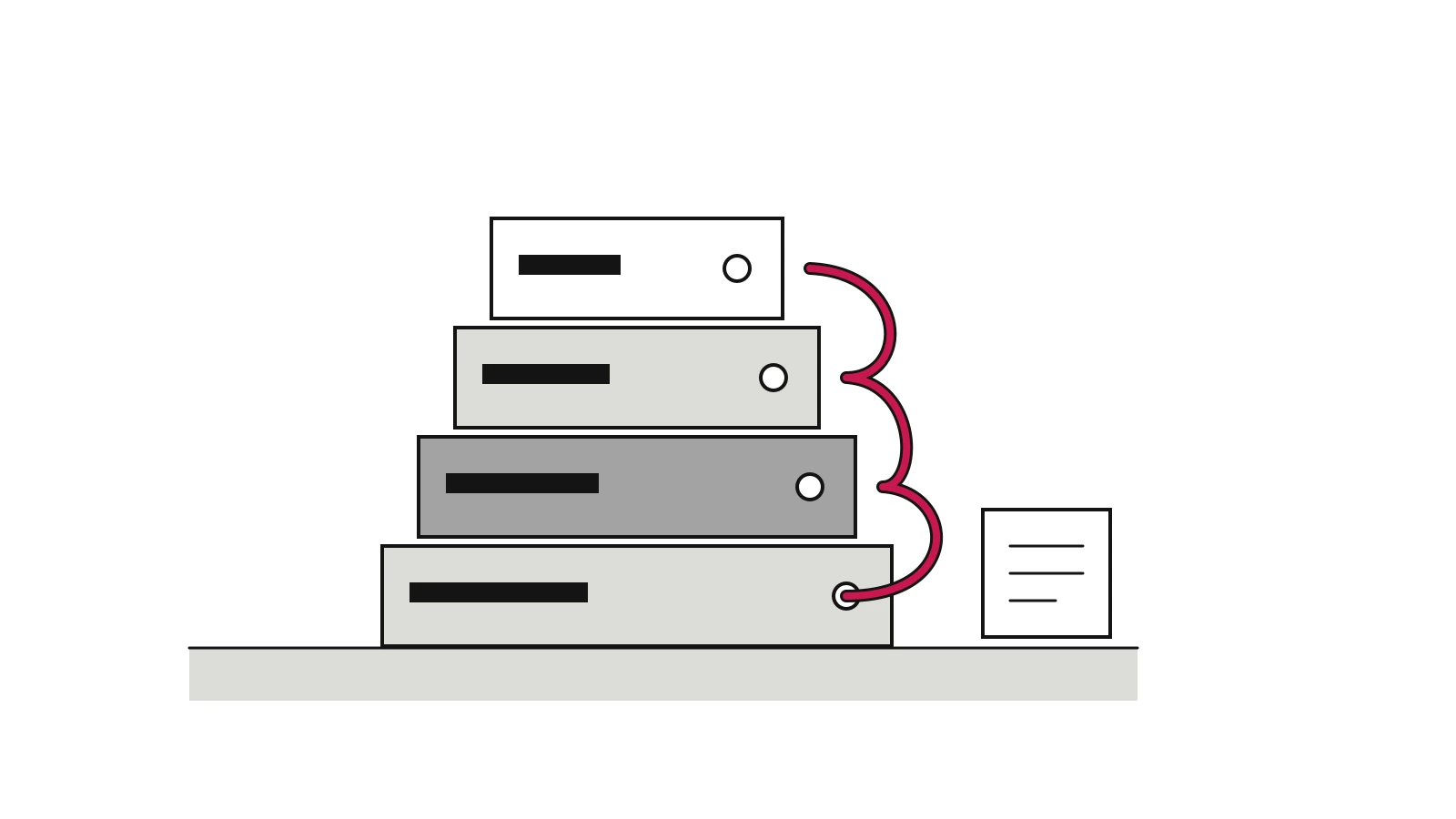
Chiefmartec's 2026 Marketing Technology Landscape counts 15,505 marketing technology products, and 1,367 of the products on last year's map dropped off it while 1,488 new ones arrived. Any tool you add this quarter could be acquired, repackaged or shut down before its first renewal. The parts of your stack that have to outlast the logos are the connections between tools and the rules for who owns each field.
This guide is for the marketing ops or RevOps lead who owns the stack, or who just inherited one along with a password spreadsheet. Every vendor demo shows the dashboard. Nobody demos the sync error queue.
Where the market is growing
Under the flat total, the categories that grew are mostly plumbing. Chiefmartec lists iPaaS and data integration up 8.0%; governance, compliance and privacy up 7.1%; and CMS and web experience management up 21.4%, from 504 to 612 products. Its explanation is that AI agents now act across systems, so the connective layer and the rules around it matter more.
For a stack owner, that points the budget conversation at how records move and who can change them, ahead of which email tool looks best in a demo.
The seven layers of a working stack
Think in layers, and give each layer one job. Two tools doing the same job is where duplicate records and double billing come from.
| Layer | Its job | The decision to make | Example |
|---|---|---|---|
| 1. System of record (CRM) | Holds contacts, companies, deals and shared activity history | Pick it first and change it least, because every other layer reads from it or writes to it | HubSpot's free CRM covers up to two users and 1,000 contacts |
| 2. Marketing automation | Email, nurture, scoring, forms and landing pages | Price it at the contact count you expect in 12 months, since most vendors price by database size or tier | HubSpot Marketing Hub, Adobe Marketo Engage, Salesforce Marketing Cloud Account Engagement, ActiveCampaign |
| 3. Data and integration | Moves records between systems and keeps fields consistent | Name one person who owns sync errors | Native connectors, an iPaaS tool, APIs, MCP servers for AI assistants |
| 4. Analytics and attribution | Web analytics, campaign reporting, attribution | Define UTM parameters, campaign IDs and lifecycle stages once, then use them everywhere | See our UTM parameters primer |
| 5. Content and web | CMS, digital assets, on-site personalization | Decide which system owns form data before you add a second form tool | Your CMS, plus any personalization or asset tool that touches it |
| 6. Sales engagement and handoff | Sequencing, meeting booking, lead routing | Write down who owns the handoff between marketing ops and sales ops | A sequencing or meeting-booking tool that routes each marketing-qualified lead to a rep |
| 7. Work management and governance | Campaign planning, plus the written rules for adding tools and fields | Write the governance rules as a document before you buy anything to enforce them | monday.com, ClickUp, Asana, Smartsheet |
If the CRM decision is still open, HubSpot's paid Smart CRM seats start at $15 per seat per month on Starter (a new-customer discount with no set end date); Professional is $45 per seat per month on an annual commitment paid annually, or $50 per seat per month on an annual commitment paid monthly, and Enterprise starts at $75 per seat per month. Get a quote at your real seat count before you build anything on top.
Audit the stack you already have
If you inherited your stack rather than designed it, start here. This audit needs a spreadsheet and an afternoon, and you can run it without buying anything.
- Inventory every tool from three lists. Pull who pays (finance), who logs in (SSO) and what writes data (the CRM's connected apps). Expect the three lists to disagree. The gaps are your first findings.
- Map each tool to a layer. When two tools sit in the same layer, write down why. "Different teams bought them" is a finding, and a renewal conversation.
- Trace one lead end to end. Follow a single form fill from the website to the CRM to the sales rep and into reporting. Note every place a field is renamed, dropped or overwritten.
- Assign field ownership. For lifecycle stage, lead source and owner, pick the one system that is the source of truth. One system per field.
- Score each tool 1 to 3 on usage, data quality and cost. A tool that scores 1 on all three goes on the removal list for its next renewal date.
- Draw the stack map. One diagram with every tool, its layer and its connections, kept where the whole team can find it.
Five questions before you add a tool
- Which layer does it serve, and what does it replace? If it replaces nothing, you are adding a cost and a sync point.
- Which system owns the data it creates? Decide during setup, before the first sync conflict decides for you.
- What does it cost at the volume you will reach in 12 months? Seats, contacts, automation actions and AI credits all have tier jumps. For example, monday.com's Standard plan includes 250 automation actions a month and Pro includes 25,000, and monday.com's own automation guide warns that 250 a month is typically used up within days by accounts that notify several people per automation. A team that would land between those two numbers is pricing Pro, whatever the Standard sticker says.
- How does it connect? A native integration, an iPaaS recipe, an API or an MCP server. Each has its own limits and its own owner.
- What is the exit plan? With more than a thousand products dropping off chiefmartec's map in a year, know how you would export your data before you import it.
Example stacks by team size
These are patterns. Swap any tool for a peer in the same layer.
| Team | CRM | Automation | Integration | Work management |
|---|---|---|---|---|
| 1 to 3 marketers | A free or starter CRM | Built into the CRM, or a lightweight email platform | Native connectors only | A free plan |
| 4 to 15 marketers | A paid CRM with custom properties | Dedicated marketing automation | One iPaaS tool with a named owner | A paid plan with automations |
| More than 15 marketers | An enterprise CRM with sandboxes | Enterprise automation with scoring and attribution | iPaaS plus governed API and MCP access | Portfolio views and permissions |
Mistakes that cost the most
- Buying the enterprise tier for features you will not touch for a year. Price the governance you need separately from the features you do not.
- Leaving the integration layer without an owner. If nobody owns sync errors, everybody pays for them.
- Letting AI features write to the CRM without field rules. An AI feature that creates or edits records needs the same ownership rules as a person.
- Never rebuilding lead scoring. See a column on lead scoring.
Before your next renewal, run the three-list inventory and trace one lead end to end. Those two steps tell you which tool to cut and which connection to fix first. For the vocabulary behind the layers, start with what martech is.
Receipts
- chiefmartec, 2026 Marketing Technology Landscape, published May 5, 2026, read November 23, 2026: product count, additions, removals and category growth.
- HubSpot CRM page and Smart CRM pricing page, read November 23, 2026: free CRM limits, Starter and Enterprise starting seat prices, and the Professional seat price on an annual commitment, paid annually or paid monthly, in USD per seat per month.
- monday.com pricing and its automations and integrations pricing guide, read November 23, 2026: monthly automation action allowances and the usage warning.
- Lead scoring column: Irene Mason, "Marketing Confession: I Never Revisit My Lead Scoring", May 11, 2022, a reader-letter advice column on MTS.
- Not tested: we did not run hands-on tests of the tools named here. They appear as examples of a layer.